
The Tools I use as the Best Digital Marketer in Kasaragod
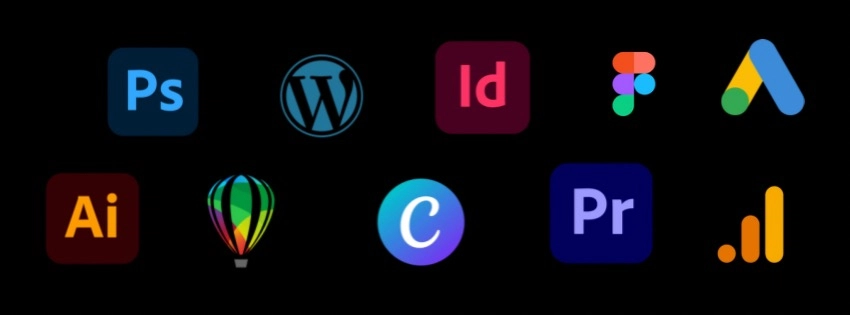
Being both a graphic designer and digital marketer in Kasaragod means I’m constantly switching between creativity and strategy. The right tools make that balance possible , they help me design with purpose, plan efficiently, and bring ideas to life. Here are the main tools I use every day that shape my creative process and marketing workflow.
1. Adobe Photoshop
Photoshop is where my creative ideas come to life.
From photo editing and manipulation to designing social media graphics, it’s my go-to for creating visuals that stand out. I love how flexible it is whether it’s a detailed design or a simple banner, Photoshop makes everything possible.
2. Adobe Illustrator
For anything that needs clean, scalable, and professional results like logos, icons, and vector graphics Illustrator is my favourite. It helps me design brand identities with precision and creativity.
3. CorelDRAW
CorelDRAW has been one of my classic favourites for print design and layout work. It’s smooth, organized, and ideal for creating branding materials like brochures, business cards, or packaging.
4. Adobe Premiere Pro
When it comes to video editing ,from short clips to promotional videos ;Premiere Pro is my trusted tool. It lets me bring my ideas to motion, making stories more engaging and visually powerful. As a digital marketer, videos are one of my favourite ways to connect with audiences emotionally.
5. Canva
Canva is where I design quick, simple, and clean social media content. It’s fast, beginner friendly, and perfect for when I need to create something polished on the go while keeping my brand theme consistent.
6. Figma
Figma helps me bring structure to my designs, especially for web layouts and user interfaces. It’s collaborative, minimalist, and great for planning out website sections visually.
7. WordPress
My personal website hansheenanasrin.com is built with WordPress. It’s not just a platform; it’s where my creativity meets strategy. I love how flexible it is for both design and SEO optimization, helping me showcase my work and blogs beautifully. WordPress lets me be the designer, marketer, and storyteller all in one.